

⭐Overview & Concepts
Windows 10 Configuration and Deployment
Windows 10 Troubleshooting and Management
Windows 10 Security and Privacy
Latest in Windows 10
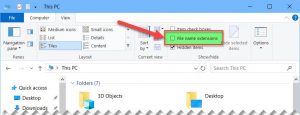
5 Ways To Show/Hide File Extensions In Windows 10
A file extension is the last part of the file name coming after the last dot (.). For…

How To Fix Microsoft Visual C++ DLL Files Missing
If MSVCR120.dll, or any DLL file is missing from your computer, here are all the fixes you can…

4 Ways To Fix Windows 10 Remote Desktop Not Working
Windows Remote Desktop is a great feature provided by Microsoft in Windows 10 and almost all earlier versions…

5 Ways To Check Installed Version Of IIS In Windows
IIS is available in most modern Windows operating systems but needs to be enabled manually. However, every Windows…
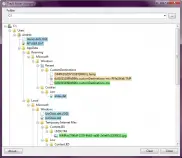
5 Of The Best Tools To Monitor Folder For Changes In Real-time
There are multiple programs running in the background that are performing various operations in your computer and may…
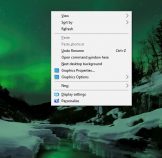
4 Ways To Open Command Prompt Window in a Folder In Windows 10
When you open the command prompt by going to Run –> cmd, you will notice that by default,…
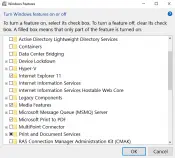
4 Ways To Enable/Disable Optional Windows Features
Windows Operating System is equipped with many addons and components which may extend the functionality of Windows without…
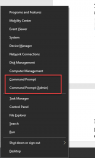
Get Back Command Prompt in Windows 10 October 2018 Update (Under Win+X Menu)
Windows 10 includes an administrative menu through which you can get almost all the commonly used tools in…
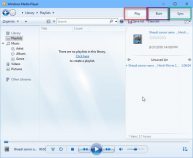
Download Media Feature Pack For Windows 10 N/KN All Versions
Are you from Europe or Korea? By default, Windows 10 will come without Windows Media Player and other…
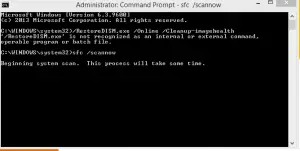
Fix: Downloads Folder Not Responding in Windows 10
The Downloads folder is the default folder which stores all your downloaded files from the Internet. Sometimes the…