
How To

How To Set Up SPF, DKIM, DMARC Records For MailChimp With External Domain
MailChimp users can add SPF, DKIM, and DMARC records for external domains with these steps.

How To Backup And Restore Device Drivers On Windows 11, 10
Driver backups can come in handy in unforeseen situations. Here are all the methods to create driver backups,…
How To Convert XPS Files To JPG/JPEG
Unable to open XPS files? Convert them to JPG images for more app support, easier access, and convenient…
How To Convert XPS To PDF, And PDF to XPS Files
XPS files are not supported by most common applications. Here is how you can convert them to PDF…
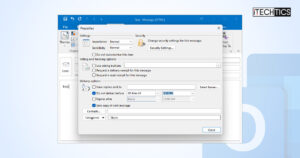
How To Schedule Emails And Automatic (Out of Office) Replies In Outlook
Going out of office for a few days? Schedule emails in advance or set up automatic replies to…

How To Share Files Over Network In Windows 11
Don’t have a USB but want to share data? Here are several methods for sharing files and folders…
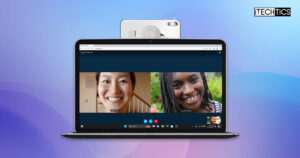
Windows 11 Will Now Let You Use Your Phone As Webcam – Here Is How To Set It Up
Now recycle your old Android phone as a high-grade webcam with this nifty Windows 11 upgrade.

How To Prevent Browser Tabs From Sleeping (Disable Tab Throttling)
Are your tabs reloading every time you open them? Disable tab throttling with these methods and fix it.
How To Ping Multiple Hosts Or IP Addresses At Once
Check access to multiple devices at once with these commands and tools that allow you to ping them…
How To Change Wi-Fi Frequency Bands Between 2.4 And 5 GHz
Not getting the right internet speed, or not getting the right signal coverage? Try changing the preferred frequency…
Search and Discover More

