
Command Line & PowerShell
Command Prompt, PowerShell, scripts and terminal tools for Windows, with commands you can copy.
26 guidesLast updated 11 Nov 2026Written and tested by Usman Khurshid
Start here
The guides people read most Command Line & PowerShell · Updated 21 May 2024How To Run Shell (.SH) Scripts In Windows
 Command Line & PowerShell · Updated 11 Nov 2026How To Change A File/Folder Date Timestamp Using Command Line And Other Tools
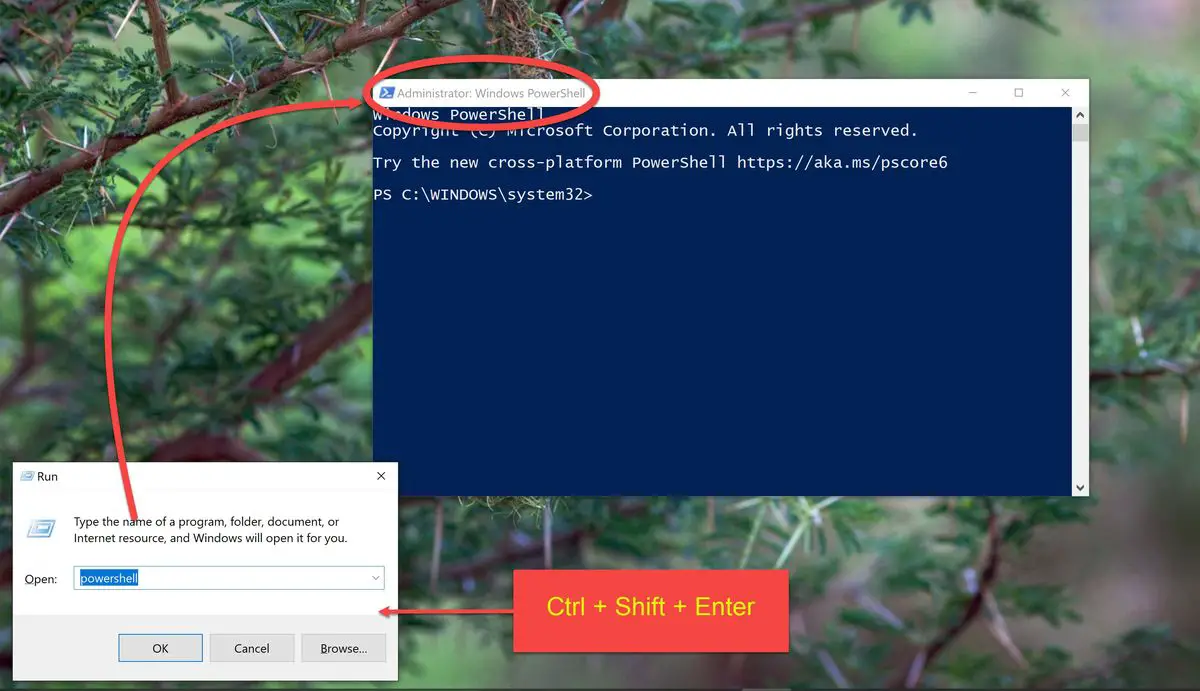 Command Line & PowerShell · Updated 1 Sep 2022How to Always Run Command Prompt and PowerShell As AdministratorCommand Line & PowerShell · Updated 11 Nov 20263 Ways To Prevent Command Prompt From Closing After Running Commands (Batch File Pause)
 Command Line & PowerShell · Updated 15 Dec 2022How To Check Command History in Command Prompt In Windows
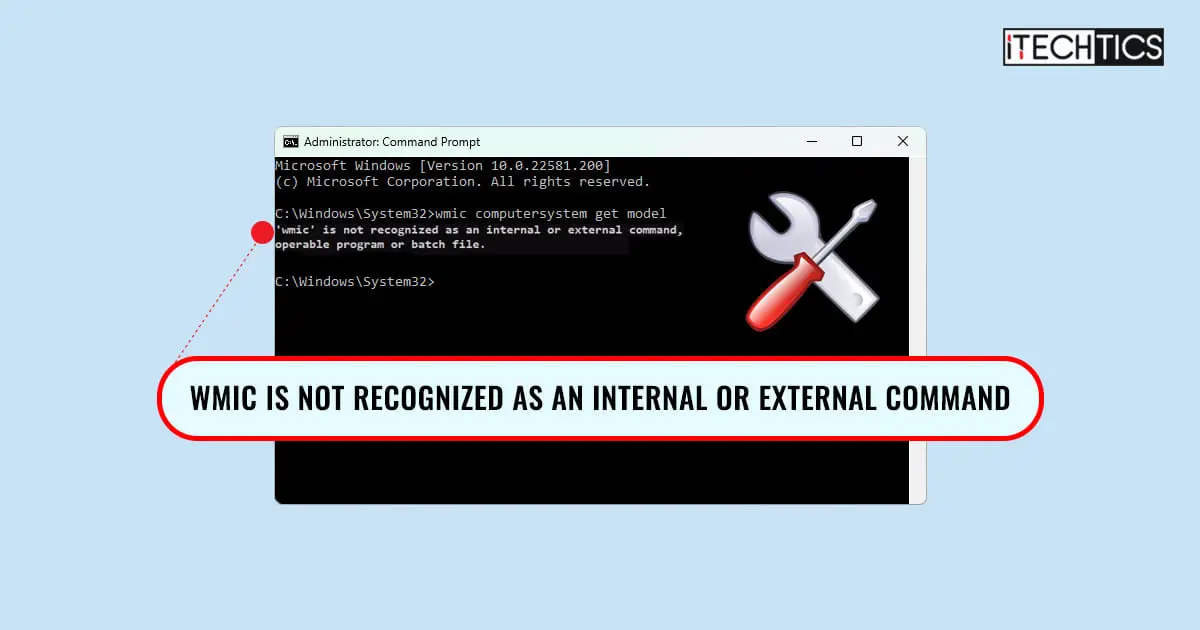 Command Line & PowerShell · Updated 11 Nov 2026How To Fix “WMIC Is Not Recognized As An Internal Or External Command”
Popular this week
- 1Findstr: Find Specific String In Files With Windows Command (Grep Alternative)6 views this week
- 2How To Change Screen Brightness Using Command Line In Windows 11, 105 views this week
- 3How to Fix Command Prompt Automatically Opens and Closes at Windows 11 Startup4 views this week
- 4Difference Between Windows PowerShell And PowerShell Core4 views this week
- 5How to Delete The Windows.old Folder Using Command Prompt3 views this week
- 66 Ways To Open Run Command Box In Windows3 views this week
Recently updated
- 11 Nov 2026Get Back Command Prompt in Windows 10 October 2018 Update (Under Win+X Menu)
- 11 Nov 2026How To Change Screen Brightness Using Command Line In Windows 11, 10
- 11 Nov 20267 Best Terminal Emulators For Windows 11/10
- 11 Nov 20264 Ways To Run Executable (.EXE) Files Using PowerShell
- 11 Nov 2026How To Kill Process From Windows Command Line
All 26 Command Line & PowerShell guides
Newest first- How To Format USB Flash Drive From Command Line In Windows 11If you have a malfunctioning USB drive, do not give up on it without trying out these fixes first, that allow you…Command Line & PowerShell · Updated 21 May 2024
- How To Kill Process From Windows Command LineYou can kill a process from PowerShell and the Command Prompt, and the methods shared in this post can be used in…Command Line & PowerShell · Updated 11 Nov 2026
- How To Run Shell (.SH) Scripts In WindowsShell scripts can be used to automate and perform repeated tasks. Follow this step-by-step guide to run shell scripts on Windows 10…Command Line & PowerShell · Updated 21 May 2024
- How To Change Screen Brightness Using Command Line In Windows 11, 10Having the right screen brightness can protect your eyes and improve readability. One quick way to change the screen brightness is from…Command Line & PowerShell · Updated 11 Nov 2026
- How to Delete The Windows.old Folder Using Command PromptThe Windows.old folder can take up to 25GB on your primary boot partition. This article shows how to safely delete it to…Command Line & PowerShell · Updated 4 Apr 2023
- How To Run SSD Speed Test In Windows Using Command LineCheck your SSD's capabilities by performing a quick test. If its not up to mark, you can also optimize it.Command Line & PowerShell · Updated 6 Apr 2023
- How To Delete, Enable, Or Disable Run Command History In Windows 11, 10The Run Command box stores whichever commands have been used through it. these allow you to instantly run the same commands again…Command Line & PowerShell · Updated 11 Nov 2026
- 4 Ways To Run Executable (.EXE) Files Using PowerShellThere are other easier methods to run an executable file, or a script, other than from File Explorer. Learn one-liner commands to…Command Line & PowerShell · Updated 11 Nov 2026
- 7 Best Terminal Emulators For Windows 11/10Terminal emulators let you connect and control remote computers using a Command Line Interface. Here is our top pick for Windows emulators…Command Line & PowerShell · Updated 11 Nov 2026
- How To Fix “Pip Is Not Recognized As An Internal Or External Command” In WindowsWhen "pip" is not recognized inside the Command Prompt, the environment variable is likely missing, or not installed correctly. In this post,…Command Line & PowerShell · Updated 11 Nov 2026
- How To Fix “WMIC Is Not Recognized As An Internal Or External Command”WMIC, or Windows Management Instrumentation Command-Line, is a built-in utility in the Windows operating system that allows you to query, manage, and…Command Line & PowerShell · Updated 11 Nov 2026
- 6 Ways To Open Run Command Box In WindowsRun Command is a tiny box of Windows and Unix operating systems that allows you to run apps and programs directly. It…Command Line & PowerShell · Updated 29 Aug 2022
- How To Enable Script Execution In Windows PowerShellSeeing an error when running scripts in PowerShell? The execution policy needs to be changed. Here is how to do it.Command Line & PowerShell · Updated 12 Feb 2024
- How to Fix Unknown USB Device (Device Descriptor Request Failed)If your system does not seem to detect a USB device connected to your PC, you may see a notification from the…Command Line & PowerShell · Updated 29 Aug 2022
- How to Fix Command Prompt Automatically Opens and Closes at Windows 11 StartupYou may be experiencing random sessions of Command Prompt automatically opening and closing on your new Windows 11 OS. Several users have…Command Line & PowerShell · Updated 11 Nov 2026
- How To Change A File/Folder Date Timestamp Using Command Line And Other ToolsIn Windows 10 and 11, every file and folder contains certain attributes that help define their properties. In this post, we will…Command Line & PowerShell · Updated 11 Nov 2026
- 2 Ways To Run Multiple Commands In CMDCommand Prompt is still a very useful tool when it comes to automating and completing tasks that are difficult to accomplish when…Command Line & PowerShell · Updated 30 Aug 2022
- How to Restart Computer using Command Line (Local and Remote)IT administrators often perform remote system reboots of computers when required. Power users are often also required to reboot a computer while…Command Line & PowerShell · Updated 30 Aug 2022
- How to Always Run Command Prompt and PowerShell As AdministratorUsing the Command Prompt or the Windows PowerShell with regular user rights can be sufficient. But sometimes you might have come across…Command Line & PowerShell · Updated 1 Sep 2022
- Difference Between Windows PowerShell And PowerShell CorePowerShell is an administrative tool that allows advanced users and system administrators to automate a number of tasks and manage the configuration…Command Line & PowerShell · Updated 1 Sep 2022
- PowerShell 7: Download, Install, Update And Usage GuideIf you want to download, install, update, or use PowerShell 7, this article is just for you. It gives you everything you…Command Line & PowerShell · Updated 18 Jul 2023
- 4 Ways To Open Command Prompt Window in a Folder In Windows 10When you open the command prompt by going to Run –> cmd, you will notice that by default, it opens in the…Command Line & PowerShell · Updated 31 Aug 2022
- Get Back Command Prompt in Windows 10 October 2018 Update (Under Win+X Menu)Windows 10 includes an administrative menu through which you can get almost all the commonly used tools in Windows. For example, the…Command Line & PowerShell · Updated 11 Nov 2026
- Findstr: Find Specific String In Files With Windows Command (Grep Alternative)Grep is a command-line option used to find a specific string from inside a file or multiple files or from an output…Command Line & PowerShell · Updated 31 Aug 2022
Newsletter
Stay in the loop
New and updated guides, and Microsoft support dates that are about to end.
No spam. Unsubscribe with one click.
Need this done for your business? I help small and mid-size companies with Microsoft 365, Windows devices and email →