
Hardware & Drivers
Drivers, displays, audio, storage, CPUs and peripherals: check, configure and troubleshoot hardware on Windows.
91 guidesLast updated 11 Nov 2026Written and tested by Usman Khurshid
Start here
The guides people read most Hardware & Drivers · Updated 11 Nov 2026Driver Easy Pro: What It Does and How To Use It
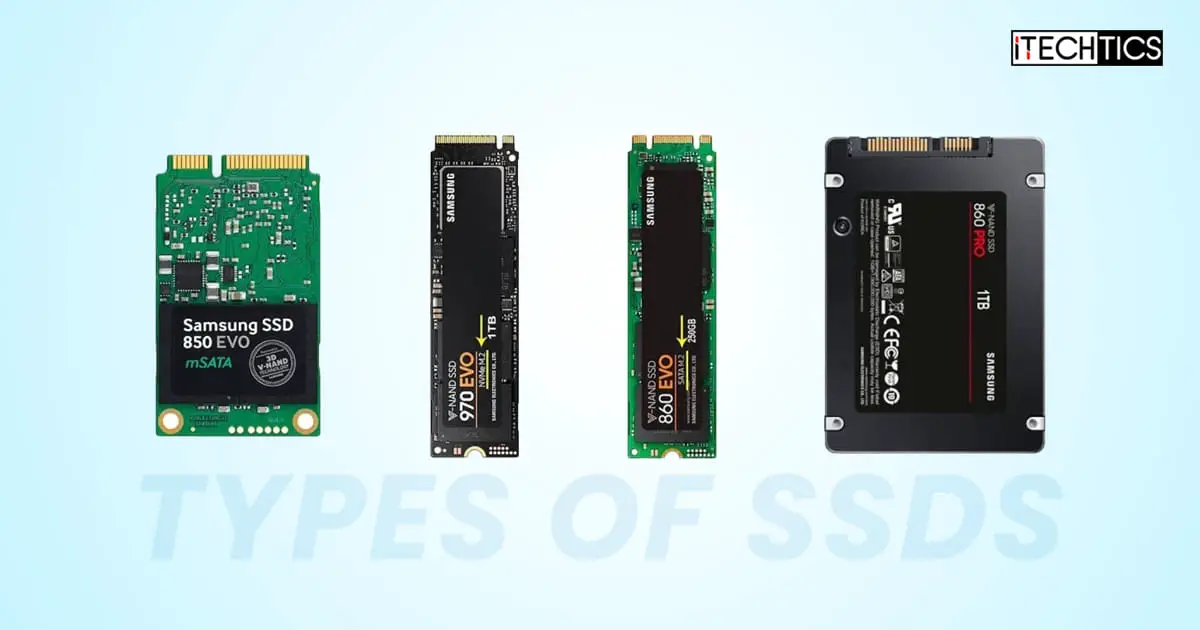 Hardware & Drivers · Updated 11 Nov 2026What Are The SSD Types And How To Check On Windows 11, 10 [IDE, AHCI, NVMe, SATA, MSATA, M.2, U.2, PCIe, SATA Express]
 Hardware & Drivers · Updated 31 Aug 2022How to Force A program To Use specific GPU in Windows 10
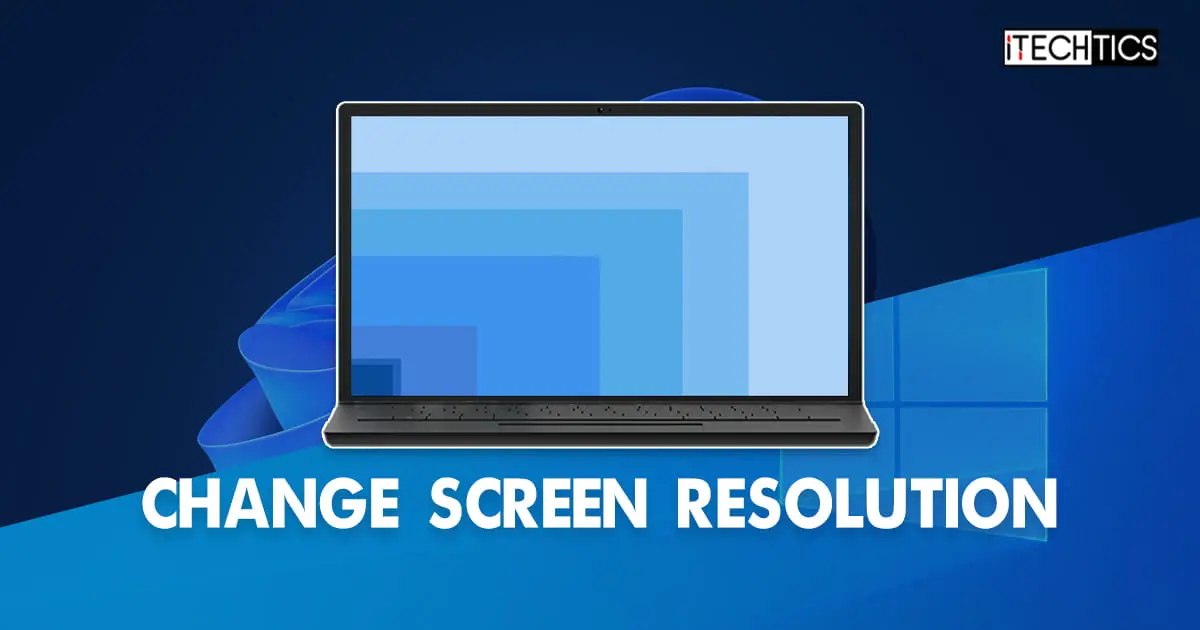 Hardware & Drivers · Updated 11 Nov 20263 Ways To Change Screen Resolution In Windows 10/11
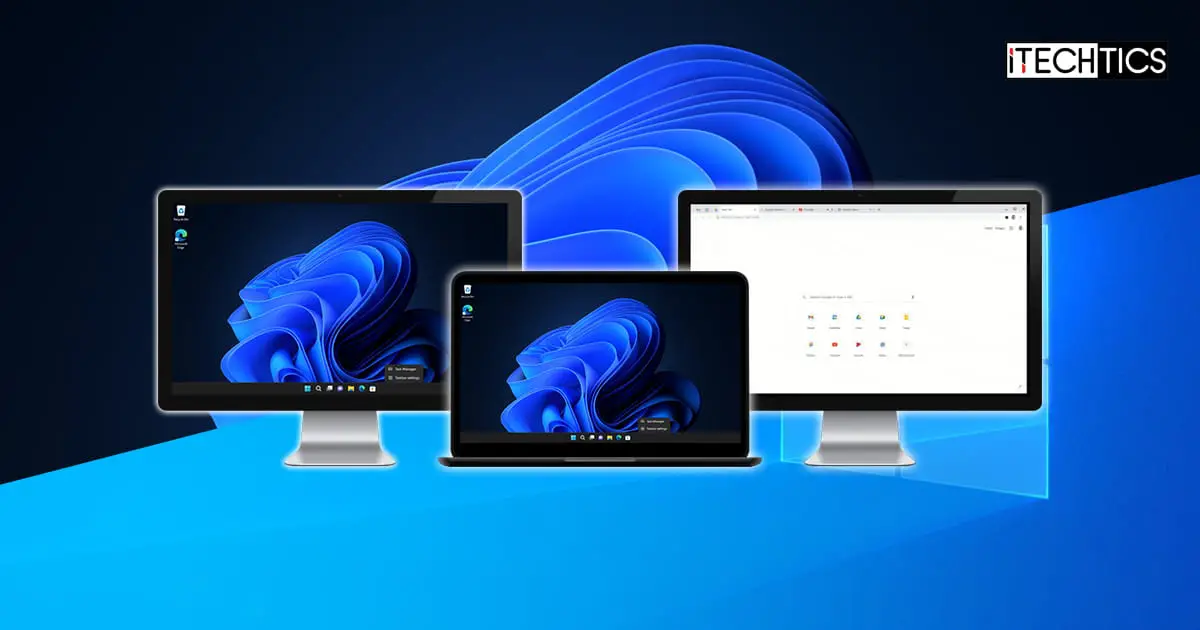 Hardware & Drivers · Updated 11 Nov 2026How To Duplicate Or Extend Screen On Windows 11/10
 Hardware & Drivers · Updated 20 May 20244 Ways To Disable Driver Signature Enforcement In Windows
Popular this week
- 1How to Disable Specific Driver Updates in Windows 11/1022 views this week
- 2How To limit CPU Usage in Windows 1020 views this week
- 3How To Close Your Laptop Lid And Use An External Monitor On Windows 11, 1017 views this week
- 4How to Turn On Keyboard Light on Your Laptop16 views this week
- 53 Ways To Set Maximum Volume Limit in Windows 1015 views this week
- 6What Are CPU Sockets, Cores, Threads, And Logical Processors14 views this week
Recently updated
- 11 Nov 2026Extend Your Laptop’s Battery Life By Limiting Battery Charge Capacity
- 11 Nov 2026How to Fix WMI Provider Host (WmiPrvSE.exe) High CPU Usage on Windows 10
- 11 Nov 2026How To Fix Hard Drive Not Showing Up in Windows PC [Internal or External Hard Drive]
- 11 Nov 2026How To Daisy Chain Monitors
- 11 Nov 2026How To Move Off-Screen Window Using Keyboard To Bring It On-Screen
All 91 Hardware & Drivers guides
Newest first- How To Fix Screen Resolution Setting Grayed Out On Windows 10, 11Unable to change your monitor's resolution? Here are the fixes to eliminate the gray-out.Hardware & Drivers · Updated 20 May 2024
- What Is CPU Throttling And How To Enable Or Disable It On WindowsOptimize your battery life and heat dissipation by control CPU throttling and gain performance as needed.Hardware & Drivers · Updated 20 May 2024
- All The Ways To Adjust Screen Brightness On Windows 11Change your screen's brightness on Windows PC as needed in your surrounding with these methods.Hardware & Drivers · Updated 20 May 2024
- How To Monitor And Check CPU Temperature On WindowsYour PC may be lagging with deteriorated performance because of an overheating CPU. Monitor its temperature and keep it cool with this…Hardware & Drivers · Updated 20 May 2024
- 4 Ways To Disable Driver Signature Enforcement In WindowsAre you having trouble installing your unverified driver? Disable Windows' driver signature enforcement and carry away, but at your own risk.Hardware & Drivers · Updated 20 May 2024
- How To Use Display Driver Uninstaller For Clean Graphics Driver Installation On WindowsHaving trouble with your display or can't get the latest driver to install? Completely remove the older display driver with Display Driver…Hardware & Drivers · Updated 11 Nov 2026
- What Is Windows 11 Dev Drive And How To Set It UpIncrease your productivity as a developer by activating Dev Drives with proven performance gains.Hardware & Drivers · Updated 20 May 2024
- How To Increase Maximum Volume Beyond 100% In Windows 11, 10Sometimes even the maximum volume isn't enough. Learn how to increase the volume levels to 300% or even 600% with this guide.Hardware & Drivers · Updated 21 May 2024
- Difference Between HP Laptop SeriesHP laptop series can be confusing, since there are so many. Here is a detailed guide on each HP laptop series and…Hardware & Drivers · Updated 29 Dec 2023
- Windows Sonic for Headphones: Enable Spatial Sound in Windows 10, 11Discover how to enhance your audio experience with Windows Sonic for Headphones. Enable immersive spatial sound in Windows 10 and Windows 11,…Hardware & Drivers · Updated 11 Nov 2026
- How To Clear Memory Cache On WindowsOften going unnoticed, the memory cache can impact the speed and performance of your computer. Here are some ways to clear it,…Hardware & Drivers · Updated 21 May 2024
- How To Fix “Out Of Memory” Error In Adobe AcrobatOut of Memory error indicates low RAM vacancy. However, the issue can also occur because of other reasons and prevent you from…Hardware & Drivers · Updated 11 Nov 2026
- 5 Ways to Disable USB Selective Suspend in Windows 11Although USB Selective Suspend may conserve energy, it may cause operational issues as well. Here are all the methods to disable USB…Hardware & Drivers · Updated 21 May 2024
- Pros and Cons of Enabling File and Folder Compression on Your HDD or SSDThinking about enabling file and folder compression in Windows? Find out if this is the right move for your disk drives in…Hardware & Drivers · Updated 11 Nov 2026
- Difference Between Dell Laptop SeriesDell has a laptop for users with every requirement. It can get overwhelming to pick the right one for you. Read this…Hardware & Drivers · Updated 11 Nov 2026
- What Are The SSD Types And How To Check On Windows 11, 10 [IDE, AHCI, NVMe, SATA, MSATA, M.2, U.2, PCIe, SATA Express]We all know SSDs are faster than mechanical hard drives, but which one should you upgrade to? This article lists all the…Hardware & Drivers · Updated 11 Nov 2026
- How To Disable Or Enable Touchpad On LaptopAccidental taps and touches on the touchpad can disrupt your work. Lock it down when not in use using these methods.Hardware & Drivers · Updated 26 Apr 2023
- What Are CPU Sockets, Cores, Threads, And Logical ProcessorsA CPU has multiple internal functioning mechanisms, and associated hardware, that can confuse the common PC user. Here you'll understand the different…Hardware & Drivers · Updated 11 Nov 2026
- How To Calibrate Your HDR Display On Windows 11 For Best GraphicsTurning on HDR isn't enough. Calibrate your monitor settings to ensure the optimized video streaming and gameplay graphics experience.Hardware & Drivers · Updated 17 Mar 2023
- Laptop Screen Types, Sizes, And Dimensions: The Ultimate GuideDo you need an LCD display or the super-crisp 4K AMOLED display for your laptop? Will it have to be a massive…Hardware & Drivers · Updated 11 Nov 2026
- How To Check Your Screen Time On Windows 11Monitor and restrict your screen time so that you do not damage your eyes. There are both native and third-party methods to…Hardware & Drivers · Updated 11 Nov 2026
- The Ultimate Guide to AMD Processor GenerationsGet the inside scoop on AMD processors and take your computing experience to the next level! From AMD APU vs. CPU to…Hardware & Drivers · Updated 11 Nov 2026
- How To Use NVIDIA Low Latency Mode for Better Gaming PerformanceWith NVIDIA low latency mode, you can experience a smoother, faster gaming experience than ever before. Use NVIDIA Reflex technology to optimize…Hardware & Drivers · Updated 11 Nov 2026
- AMD VS. Intel CPU Processors: A Detailed ComparisonCan't decide what to select in AMD vs Intel CPU wars? This guide details the differences between Intel and AMD processors and…Hardware & Drivers · Updated 11 Nov 2026
Newsletter
Stay in the loop
New and updated guides, and Microsoft support dates that are about to end.
No spam. Unsubscribe with one click.
Need this done for your business? I help small and mid-size companies with Microsoft 365, Windows devices and email →