
Topic
Tech Explained
Plain-English explanations of tech terms, file types, editions and specs, and how they differ.
25 guidesLast updated 14 Nov 2026Written and tested by Usman Khurshid
Start here
The guides people read most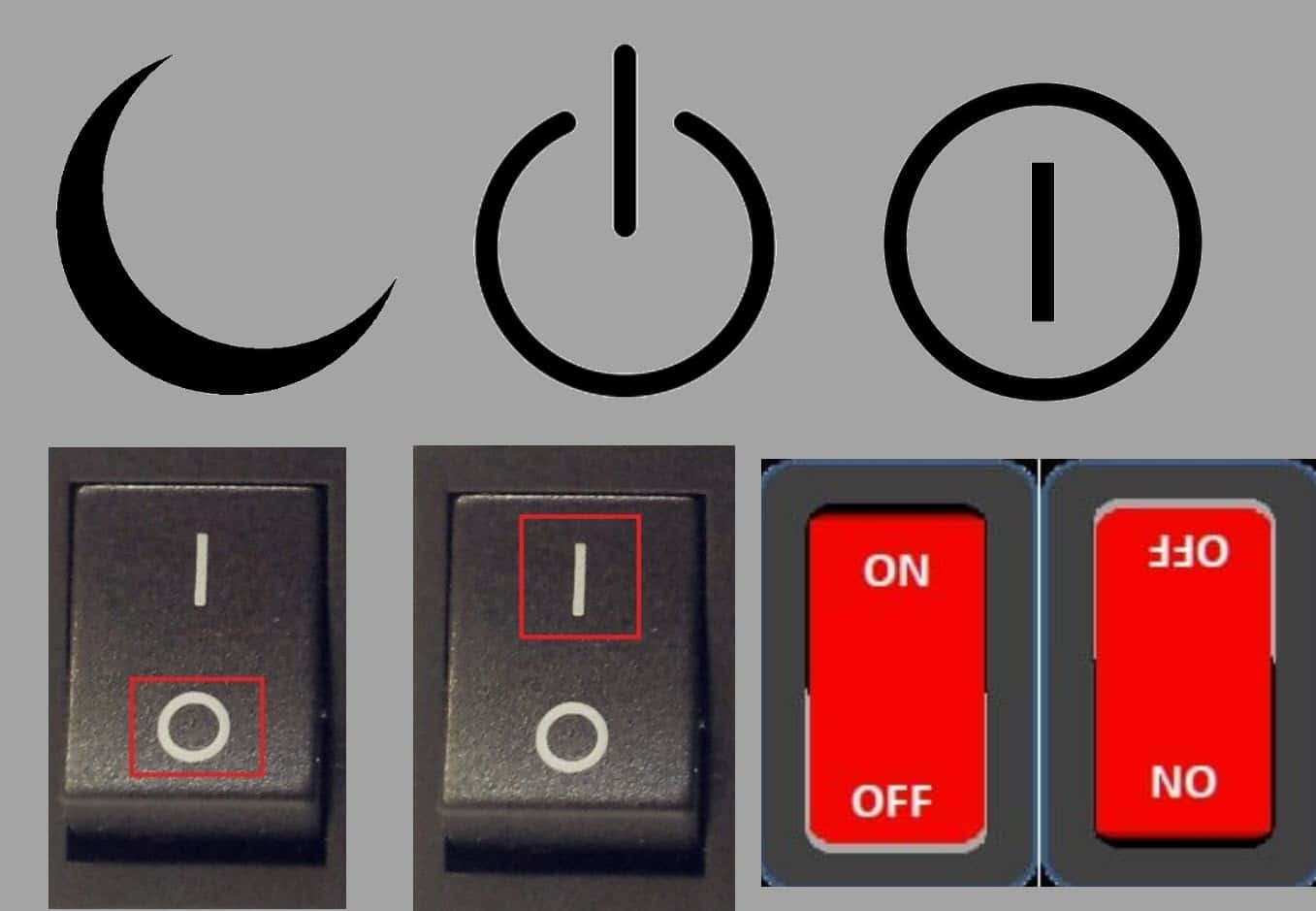 Tech Explained · Updated 11 Nov 2026What Do Power Button Symbols Mean?
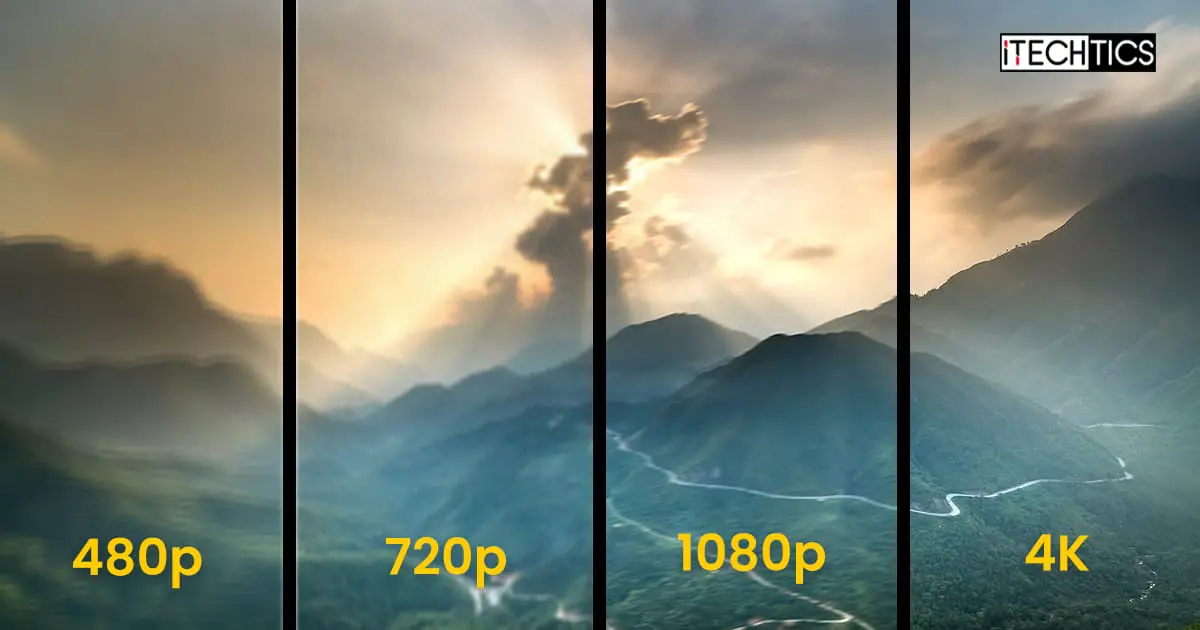 Tech Explained · Updated 14 Nov 2026Difference Between 480p, 720p, 1080p, 1440p, 2K, 4K, And 8K Resolutions
 Tech Explained · Updated 11 Nov 2026What Is AcroTray And How To Disable It
 Tech Explained · Updated 20 May 2024What Is LEDKeeper2.exe And How To Remove It
 Tech Explained · Updated 31 Aug 2022Difference Between Windows Home, Pro, Enterprise, VL, N, KN Editions
 Tech Explained · Updated 11 Nov 2026Difference Between Windows 11 Editions (Home, Professional, Enterprise, Education, SE)
Popular this week
- 1Bluetooth 5 VS. 5.2 VS. 5.3: What’s The Difference22 views this week
- 2How To Enable/Disable SafeSearch On Device And Search Engines11 views this week
- 3What Is The WDAGUtilityAccount In Windows 11, 109 views this week
- 4How To Type “Does Not Equal” Sign (≠)9 views this week
- 5What Is Windows Test Mode And How To Enable Or Disable It7 views this week
- 6Windows 11 Hardening Guide5 views this week
Recently updated
- 14 Nov 2026Difference Between 480p, 720p, 1080p, 1440p, 2K, 4K, And 8K Resolutions
- 11 Nov 2026Ctfmon.exe Process: What is it and How to Enable/Disable it in Windows?
- 11 Nov 2026What Are Windows 11 Administrative Tools/Windows Tools
- 11 Nov 2026What Is PhoneExperienceHost.EXE (Phone Link) And How To Disable It
- 11 Nov 2026What Is Kiosk Mode (Assigned Access) In Windows And How To Set It Up
All 25 Tech Explained guides
Newest first- What Is Windows Test Mode And How To Enable Or Disable ItIs Windows blocking driver installation? Or are you a developer in ne of testing your own custom code? Toggle the Test Mode…Tech Explained · Updated 11 Nov 2026
- What Is LEDKeeper2.exe And How To Remove ItIs the LEDKeeper.exe process consuming high CPU? Here is how you can fix it.Tech Explained · Updated 20 May 2024
- What Is Dirty Bit And How To Manage It in WindowsHow can your computer know when a file or page has been modified by the system hardware, and the newer version needs…Tech Explained · Updated 11 Nov 2026
- Windows Sonic VS. Dolby Atmos: Which To Choose And WhyWindows Sonic and Dolby Atmos are both available in the latest Windows operating systems, but which one should you choose? Is Dolby…Tech Explained · Updated 11 Nov 2026
- From DVI-A To DVI-D: A Comparison Of DVI Connector Types And Their CapabilitiesDVI pots and cables come in different pin configurations and link speeds. Here are the main differences between them, and how to…Tech Explained · Updated 11 Nov 2026
- What Is The WDAGUtilityAccount In Windows 11, 10The WDAGUtilityAccount exists on all Windows 11 and 10 PC unless manually deleted. But should you delete it?Tech Explained · Updated 4 Apr 2023
- What Are Google Input Tools And How To Use Them On WindowsHaving to write in another language other than your native tongue? Try out Google Input Tools to assist you in writing in…Tech Explained · Updated 11 Nov 2026
- What Is AcroTray And How To Disable ItAcroTray is an extension of the Adobe Acrobat software and is a legitimate process. However, you can safely prevent it from running…Tech Explained · Updated 11 Nov 2026
- Difference Between A Modal, Pop-Up, Popover, Lightbox, Window, Tab, And Dialog BoxWhen spending your time on the computer, you encounter different types of pop-ups. Each one has a different purpose and services with…Tech Explained · Updated 11 Nov 2026
- Bluetooth 5 VS. 5.2 VS. 5.3: What’s The DifferenceOur devices have different versions of Bluetooth today, each with its own distinct features and support. Learn the difference between Bluetooth versions…Tech Explained · Updated 11 Nov 2026
- AHCI vs RAID: Which One To Choose For Performance, Reliability And Availability?AHCI and RAID are both data transfer protocols between the motherboard and the storage disk, but both have their pros and cons.…Tech Explained · Updated 11 Nov 2026
- Windows Environment Variables – The Ultimate Guide For All Windows VersionsEnvironment variables in an operating system define the path or value for an item that can be used system-wide, or user-wide. These…Tech Explained · Updated 11 Nov 2026
- What Is Kiosk Mode (Assigned Access) In Windows And How To Set It UpKiosk mode allows you to run only one app in a dedicated user account on a Windows machine while blocking all other…Tech Explained · Updated 11 Nov 2026
- What Is PhoneExperienceHost.EXE (Phone Link) And How To Disable ItThe PhoneExperienceHost.exe is a legitimate process linked to the Phone Link app, but can also be disguised as malware. Learn how to…Tech Explained · Updated 11 Nov 2026
- How To Enable/Disable SafeSearch On Device And Search EnginesSafeSearch blocks inappropriate and explicit content through search engines. Learn how to enable or disable SafeSearch in Windows, Android, Google, Bing, and…Tech Explained · Updated 11 Nov 2026
- Windows 11 Hardening GuideIt is important to take the necessary measures to secure your computer from online and physical threats This is what Windows hardening…Tech Explained · Updated 11 Nov 2026
- What Are Windows 11 Administrative Tools/Windows ToolsWindows comes with preinstalled administrative tools that enable the users and sysadmins to configure their systems. There are multiple ways to access…Tech Explained · Updated 11 Nov 2026
- What Is NAT Type And How To Change ItSuppose you are experiencing internet connectivity problems on your PC, or notice that the internet seems to be working fine but is…Tech Explained · Updated 29 Aug 2022
- Ctfmon.exe Process: What is it and How to Enable/Disable it in Windows?Some processes running in the Windows background just come back when you “End Task” on them. Ctfmon.exe process is one of them.…Tech Explained · Updated 11 Nov 2026
- Difference Between Windows 11 Editions (Home, Professional, Enterprise, Education, SE)With less than a year on the market and its debut in October 2021, Windows 11 is offered as various editions to…Tech Explained · Updated 11 Nov 2026
- How To Type “Does Not Equal” Sign (≠)The “Does not equal” or “Is not equal to” sign is a mathematical sign representing that one side of a statement or…Tech Explained · Updated 29 Aug 2022
- 4 Ways to Convert VirtualBox VDI to VMware VMDKVirtualization technologies in the 21st century allow you to run isolated operating systems and use them as you wish, without affecting the…Tech Explained · Updated 30 Aug 2022
- What Do Power Button Symbols Mean?Why do the power buttons have weird circles and lines? Learn everything about the power symbols you come across and understand what…Tech Explained · Updated 11 Nov 2026
- Difference Between 480p, 720p, 1080p, 1440p, 2K, 4K, And 8K ResolutionsScreen resolutions like 1920x1080, 720p, UHD, and 4K can really confuse some people. This article breaks down screen resolutions to help you…Tech Explained · Updated 14 Nov 2026
Newsletter
Stay in the loop
New and updated guides, and Microsoft support dates that are about to end.
No spam. Unsubscribe with one click.
Need this done for your business? I help small and mid-size companies with Microsoft 365, Windows devices and email →