
Security & Privacy
Defender, BitLocker, UAC, firewall, accounts and privacy settings in Windows, configured step by step.
35 guidesUpdated 29 Nov 2026 Written and tested by Usman Khurshid
Start here
The guides people read most Security & Privacy · Updated 25 Nov 2026How to Enable Local Security Policy (secpol.msc) in Windows 11 (Home + Pro)
 Security & Privacy · Updated 29 Aug 2022How to Install/Update Root Certificates in Windows 11
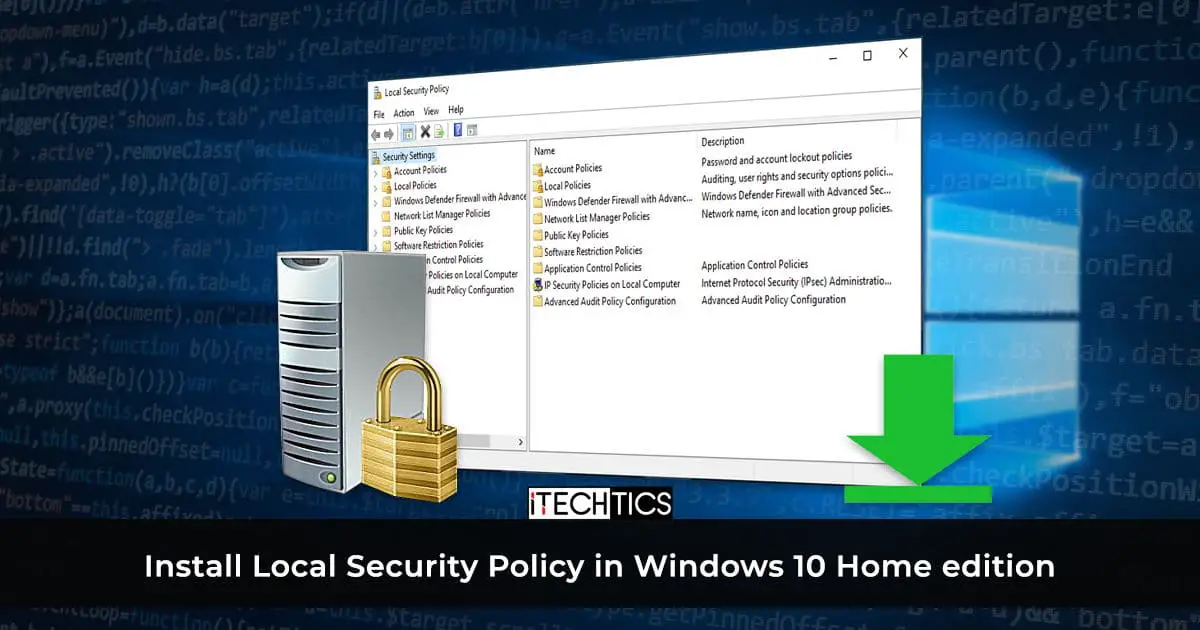 Security & Privacy · Updated 11 Nov 2026How to Enable SecPol.msc in Windows 10 Home (Local Security Policy)
 Security & Privacy · Updated 11 Nov 20264 Ways To Enable Windows Security Updates Over Metered Connections
 Security & Privacy · Updated 29 Nov 20265 Ways To Find All Saved Wifi Passwords In Windows, MacOS & Android
 Security & Privacy · Updated 11 Nov 2026How To Manage BitLocker Using Command Line in Windows (Manage-bde)
Popular this week
- 1How To Enable Or Disable Windows Defender Credential Guard In Windows 11/1054 views this week
- 2How To Disable User Account Control In Windows (Locally + Remotely)13 views this week
- 3How to Turn Off Microsoft Defender on Windows 11 and 10 (Temporarily or Permanently, Tested)8 views this week
- 4How To Disable UAC Remote Restrictions With LocalAccountTokenFilterPolicy6 views this week
- 5How to Turn On Two-Factor Authentication on Microsoft Account5 views this week
- 6How To Check And Enable Secure Boot And TPM 2.0 For Windows 114 views this week
Recently updated
- 29 Nov 2026Antimalware Service Executable (Now Microsoft Defender Antimalware Service): Why It Uses So Much CPU and How to Fix It
- 29 Nov 2026Microsoft Defender Renamed Its Processes: The New Names in Task Manager, and the AI Files That Came With Them
- 29 Nov 2026How to Turn Off Microsoft Defender on Windows 11 and 10 (Temporarily or Permanently, Tested)
- 29 Nov 2026Best Windows 11 Settings For Security And Privacy
- 29 Nov 2026Smart App Control in Windows 11: What It Blocks, and How to Turn It Off or Back On (Tested)
All 35 Security & Privacy guides
Newest first Microsoft Defender Renamed Its Processes: The New Names in Task Manager, and the AI Files That Came With ThemIf you opened Task Manager recently to find out why your PC was slow and looked for Antimalware Service Executable, you may…Security & Privacy · Updated 29 Nov 2026
- Antimalware Service Executable (Now Microsoft Defender Antimalware Service): Why It Uses So Much CPU and How to Fix ItYour fans spin up, the PC lags while you type, and Task Manager shows Antimalware Service Executable (or, on an up-to-date PC,…Security & Privacy · Updated 29 Nov 2026
- Smart App Control in Windows 11: What It Blocks, and How to Turn It Off or Back On (Tested)Smart App Control is the Windows 11 feature behind messages like “Smart App Control blocked an app that may be unsafe”. It…Security & Privacy · Updated 29 Nov 2026
- How To Fix the “Remove” PIN Option Grayed Out Issue In WindowsUnable to remove the PIN for your account? Here is how to fix the problem.Security & Privacy · Updated 21 Feb 2024
- Best Windows 11 Settings For Security And PrivacyGot a new PC or performed a clean Windows installation? Here are the settings that you should change immediately to make it…Security & Privacy · Updated 29 Nov 2026
- How To Reset Forgotten Windows 11 Local Account Password Without SoftwareUnable to log into your computer account? Here is a simple method to reset it without purchasing a third-party software.Security & Privacy · Updated 11 Nov 2026
- How To Check And Enable Secure Boot And TPM 2.0 For Windows 11If you are planning to install or upgrade to Windows 11, then you better make sure your computer has TPM 2.0 as…Security & Privacy · Updated 20 May 2024
- How To Run Program Without Privilege Elevation And Bypass UAC PromptNot all programs have to run with administrative rights. Here are a few methods to run them with standard, non-elevated privileges so…Security & Privacy · Updated 11 Nov 2026
- How To Disable UAC Remote Restrictions With LocalAccountTokenFilterPolicyLocalAccountTokenFilterPolicy disables UAC remote restrictions for local administrators, but leaves your PC vulnerable. Learn when to disable it and how.Security & Privacy · Updated 11 Nov 2026
- How To Disable User Account Control In Windows (Locally + Remotely)UAC prompts can be annoying, but are effective in keeping your PC secure. Here are a few ways to disable it.Security & Privacy · Updated 11 Nov 2026
- How To Fix “Local Security Authority Protection Is Off” Error On Windows 11Continuously seeing the notification for Local Security Authority disabled even when it is turned on? Here is a complete guide to fix…Security & Privacy · Updated 11 Nov 2026
- How To Remove Password Complexity Requirements In Windows 11, 10Forgetting your password combination to sign into Windows often? Then simply disable the password complexity requirements and set a simple, rememberable password…Security & Privacy · Updated 11 Nov 2026
- 2 Ways To Restore, Recover Quarantined Files In Microsoft DefenderWindows Security automatically isolates potentially malicious software and files. You can restore the safe ones from Windows Security app or through the…Security & Privacy · Updated 11 Nov 2026
- What Is Microsoft Defender Application Guard And How To Enable ItMicrosoft Defender Application Guard keeps web browsing whose URLs are not whitelisted isolated using Hyper-V virtualization. Yu can install this feature from…Security & Privacy · Updated 11 Nov 2026
- How To Fix A Blank Windows Security Screen In Windows 11/10Multiple people have reported blank and empty pages inside the Windows Security app. This can be caused due to several reasons. Learn…Security & Privacy · Updated 11 Nov 2026
- How To Back Up And Restore Wi-Fi Profiles And Passwords On WindowsBacking up and restoring your wireless network profiles along with passwords eliminates the need to remember them when transferring to a new…Security & Privacy · Updated 11 Nov 2026
- How To Enable Or Disable Windows Defender Credential Guard In Windows 11/10The Credential Guard is automatically enabled in Windows 10 alongside Hyper-V. However, in Windows 11, it is enabled by default. This can…Security & Privacy · Updated 11 Nov 2026
- How To Fix TPM Device Not Detected Error On WindowsIf the Trusted Platform Module or TPM device is not detected on your computer, you can try updating its driver, updating the…Security & Privacy · Updated 11 Nov 2026
- How To Block Or Allow Websites, IPs, Apps, And Ports Using Windows Firewall And PowerShellWindows Firewall is an excellent software to filter what network traffic comes in and out of your computer. Learn how to block…Security & Privacy · Updated 11 Nov 2026
- 4 Ways To Reset Forgotten Windows 11 Account Password Without Logging InWith so many things to remember, it is quite common to forget a thing or two. However, not being able to remember…Security & Privacy · Updated 11 Nov 2026
- 4 Ways To Enable Windows Security Updates Over Metered ConnectionsWindows Security, previously known as Windows Defender, is a Windows-native antivirus and protection software that prevents your PC from malicious infection, ransomware…Security & Privacy · Updated 11 Nov 2026
- How to Install/Update Root Certificates in Windows 11Root Certificates are embedded within our operating system all around. These are also known as Trusted Root Certificates, created by the Certificate…Security & Privacy · Updated 29 Aug 2022
- How to Turn On Two-Factor Authentication on Microsoft AccountTwo-factor authentication (also known as “2FA,” “two-step verification” and “multi-factor authentication”) is an additional security layer for your online accounts that allows…Security & Privacy · Updated 30 Aug 2022
- How to Enable Local Security Policy (secpol.msc) in Windows 11 (Home + Pro)All Home editions of Windows come without the Local Security Policy manager. You can still install it using the given guide.Security & Privacy · Updated 25 Nov 2026











Newsletter
Stay in the loop
New and updated guides, and Microsoft support dates that are about to end.
No spam. Unsubscribe with one click.
Need this done for your business? I help small and mid-size companies with Microsoft 365, Windows devices and email →