
System Admin
Group Policy, the registry, user accounts, management consoles, Hyper-V, boot and recovery for Windows admins.
79 guidesLast updated 11 Nov 2026Written and tested by Usman Khurshid
Start here
The guides people read most System Admin · Updated 11 Nov 2026How To Enable Group Policy Editor (gpedit.msc) In Windows 10 Home
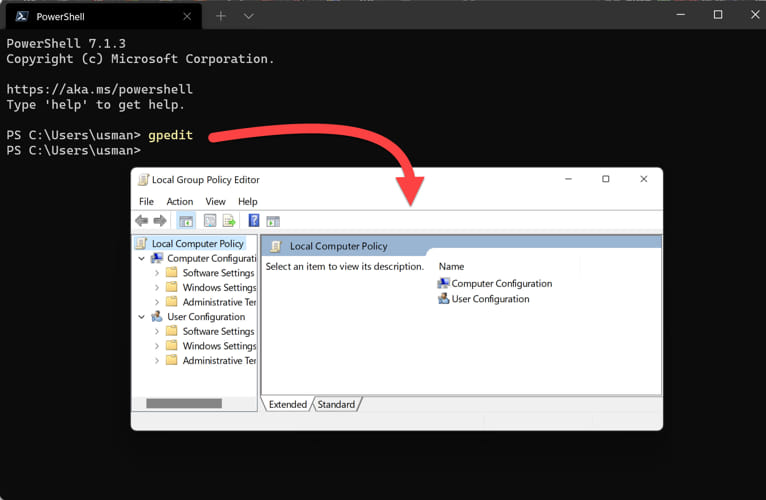 System Admin · Updated 11 Nov 2026How To Enable Group Policy Editor (Gpedit.msc) In Windows 11 Home
 System Admin · Updated 27 Apr 2026How To Create a Multiboot USB Drive Using Ventoy [2026]
 System Admin · Updated 11 Oct 2022How To Enable Hyper-V On Windows 10 (Home & Pro)
 System Admin · Updated 11 Nov 2026How To Add/Remove Windows Components From ISO Images Using MSMG Toolkit
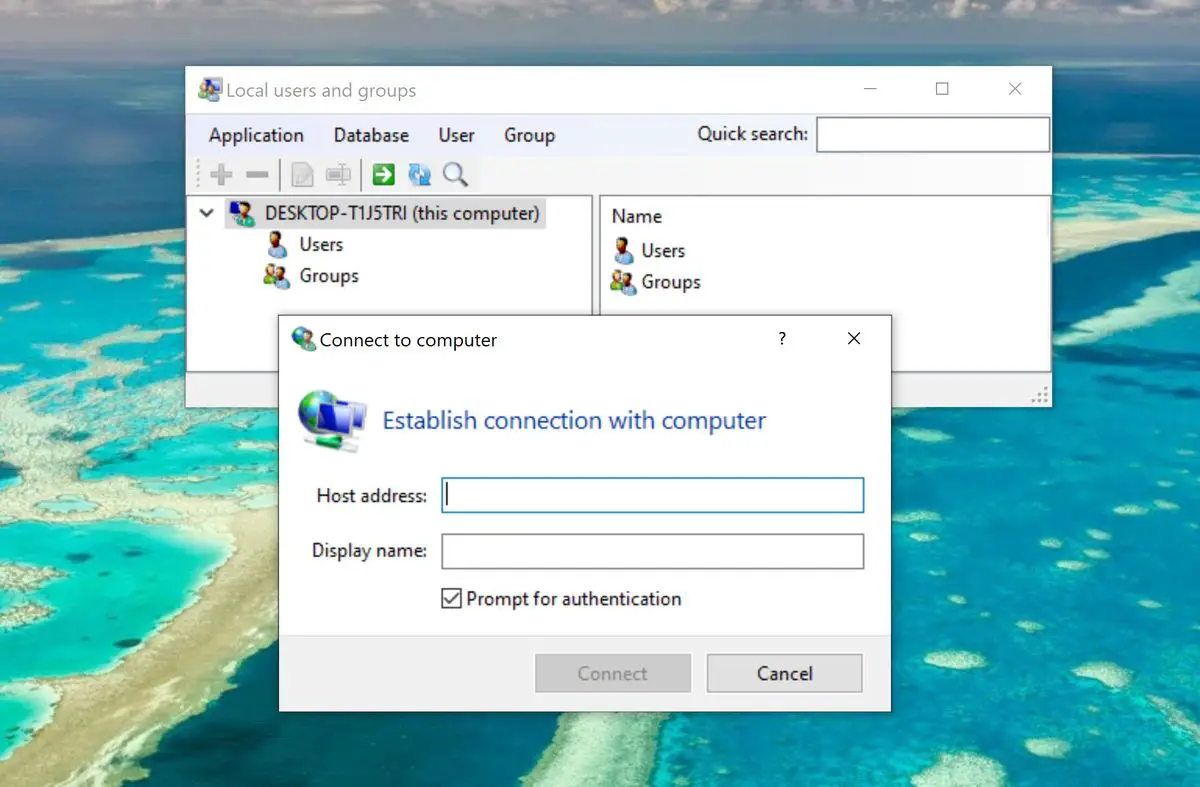 System Admin · Updated 22 Sep 2022How to Enable Local User and Group Management (lusrmgr.msc) Console in Windows 10 Home
Popular this week
- 1How to Add Language Packs to Windows 11/10 ISO Image (Offline)15 views this week
- 2How To Install Windows 10 Directly From A System Hard Drive15 views this week
- 3List of Microsoft Management .MSC Files in Windows14 views this week
- 43 Ways To Remove/Disable Microsoft Account In Windows 11/1012 views this week
- 5How To Enable/Restore Windows Photo Viewer In Windows 11/1012 views this week
- 6How to Install Media Feature Pack in Windows 11 N/KN Editions12 views this week
Recently updated
- 11 Nov 2026How To Install Group Policy Management Console (GPMC) In Windows 11/10
- 11 Nov 2026View History For All Processes In Task Manager In Windows 11/10
- 11 Nov 2026How To Enable Nested Virtualization (VT-x) On Hyper-V, VMWare, VirtualBox VMs In Windows
- 11 Nov 2026Difference Between Windows OEM SLP, NSLP, COA, And DM License Product Keys
- 11 Nov 20264 Ways To Find All Signed In Users In Windows
All 79 System Admin guides
Newest first- How To Backup And Restore Device Drivers On Windows 11, 10Driver backups can come in handy in unforeseen situations. Here are all the methods to create driver backups, and restore them.System Admin · Updated 3 May 2026
- How To Use Bootrec To Repair Startup Issues In WindowsStartup Repair didn't fix the Windows startup process? Try the Bootrec tool instead with this comprehensive guideline.System Admin · Updated 7 Feb 2024
- How To Reset Windows Registry And Permissions (ACL) To DefaultsBSODs and errors are a common symptom of misconfigured Windows Registries. Here is how you can restore it to its default values.System Admin · Updated 20 May 2024
- 5 Ways To Check If Your Account Has Admin Rights On WindowsUnable to perform a task because you do not have the required privileges? Check if your account is an administrative account with…System Admin · Updated 20 May 2024
- Lenovo Service Bridge: What Is It And How To Install ItGet your Lenovo computer information automatically with the Lenovo Service Bridge, and get unmatched support experience.System Admin · Updated 20 May 2024
- How To Activate Windows 11If you changed your computer, its hardware, or simply reinstalled it, you may need to activate the new Windows copy. Here are…System Admin · Updated 11 Nov 2026
- How To Enable And Create Guest Account On Windows 10, 11Nervous for sharing your PC with other users? Give them a Guest account with limited access and privileges, making your data private…System Admin · Updated 26 Aug 2024
- 3 Ways To Reset BIOS, UEFI To Factory Default SettingsIf your system is experiencing issues while booting, or the hardware is acting up, try resetting the firmware using any of these…System Admin · Updated 21 May 2024
- How To Set Up And Restore Previous Versions Files On Windows 11, 10Revert back to your older versions of files and folders with Previous Versions enabled. Here are all the methods to enable and…System Admin · Updated 11 Nov 2026
- How To Restore Missing Audio Enhancement Tab In WindowsCannot find the audio enhancement settings? Maybe it does not exist on your computer. Here is how to bring it back and…System Admin · Updated 21 May 2024
- How To Disable, Remove “Run As Administrator” On WindowsRunning scripts and code as administrator can be harmful for your computer, if allowed to the wrong people. Here is how to…System Admin · Updated 29 Dec 2023
- 4 Ways To Add User To Local Administrators Group In WindowsAll user accounts member of the Administrator group have elevated rights and are not prompted with UAC. Here are the methods to…System Admin · Updated 21 May 2024
- How To Reset Audio Settings In WindowsThere are multiple audio settings to reset on Windows, and each of them resets a different component. Here are all the ways…System Admin · Updated 29 Nov 2025
- How To Fix “User Account Not Authorized For Remote Login” ErrorThe error means that your user account does not have the required privileges for a Remote Desktop Connection. This can be fixed…System Admin · Updated 11 Nov 2026
- How To Open, Backup, And Restore Sticky Notes In Windows 11Sticky Notes can be synced across devices using a Microsoft account, or you can back up its database and use it to…System Admin · Updated 11 Nov 2026
- 4 Ways To Find All Signed In Users In WindowsBefore shutting down your PC, check which other users are signed in. You can check which users are signed in from the…System Admin · Updated 11 Nov 2026
- How To Fix Bootrec /Fixboot “Access Is Denied” Error in WindowsThe "Access is denied" is displayed when running the "Bootrec /Fixboot" cmdlet because of corrupted boot files, other corrupted system files, or…System Admin · Updated 11 Nov 2026
- Difference Between Windows OEM SLP, NSLP, COA, And DM License Product KeysThere are 4 different types of Windows OEM licenses that have been available since Windows XP. Learn the differences between them to…System Admin · Updated 11 Nov 2026
- How To Enable Nested Virtualization (VT-x) On Hyper-V, VMWare, VirtualBox VMs In WindowsNested virtualization enables you to perform virtualization tasks on top of a VM, like running a VM over a VM. However, this…System Admin · Updated 11 Nov 2026
- How To Get System Information Using SystemInfo And MSInfo32 ToolsSystemInfo.exe and MSInfo.exe are both tools that provide system information. However, systeminfo is a command line tool without a GUI, and cannot…System Admin · Updated 11 Nov 2026
- Ultimate Guide To Creating Windows Preinstallation Environment (WinPE)WindowsPE can be used for troubleshooting and installing Windows, capturing and applying Windows images, and much more. However, creating a bootable WinPE…System Admin · Updated 11 Nov 2026
- View History For All Processes In Task Manager In Windows 11/10You can view the usage history for all processes currently running, and which have run in the past, by enabling the option…System Admin · Updated 11 Nov 2026
- How To Enable Hyper-V In Windows 11 (Home & Pro)Hyper-V can be enabled using 3 ways on Windows 11 Pro, Education, and Enterprise editions. However, it needs to be installed using…System Admin · Updated 11 Nov 2026
- How To Create A New Microsoft Account Using Gmail IDUnlike Google, Microsoft allows the creation of free Microsoft ID using any email address, including Gmail, or even a custom domain email…System Admin · Updated 29 Aug 2022
Newsletter
Stay in the loop
New and updated guides, and Microsoft support dates that are about to end.
No spam. Unsubscribe with one click.
Need this done for your business? I help small and mid-size companies with Microsoft 365, Windows devices and email →