
Networking & Remote Access
Wi-Fi, network types, Remote Desktop, VPN, SSH, ports and Bluetooth on Windows.
52 guidesLast updated 11 Nov 2026Written and tested by Usman Khurshid
Start here
The guides people read most Networking & Remote Access · Updated 27 Apr 2023How To Fix Orange Light On Router, Modem
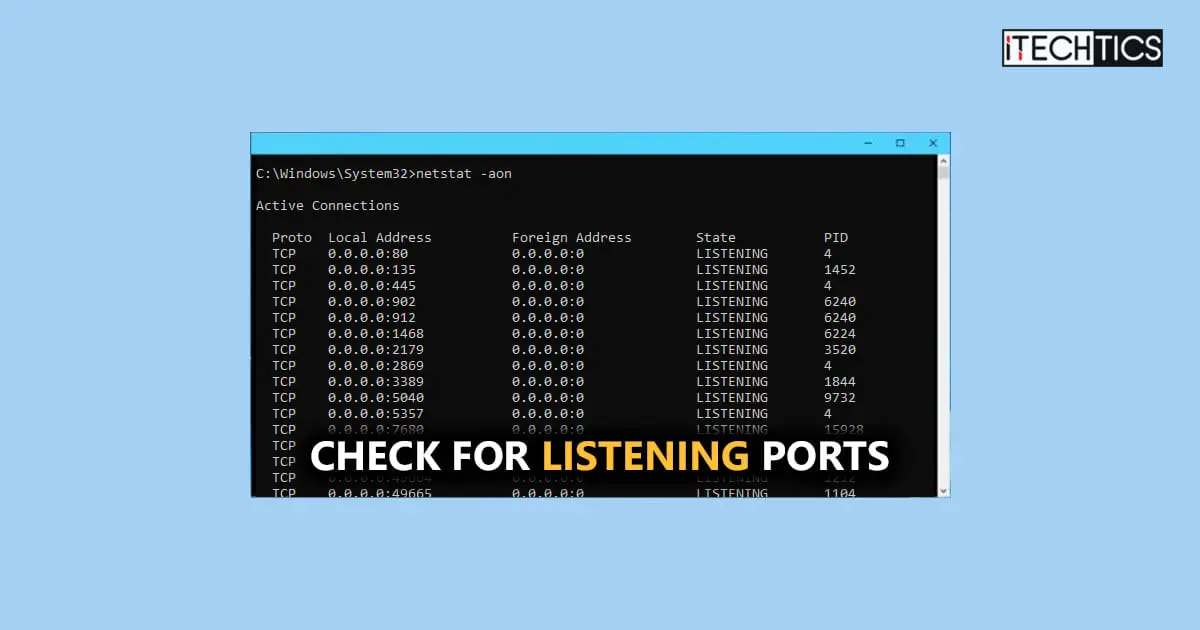 Networking & Remote Access · Updated 21 May 2024Check For Listening (Open) Ports With NetStat And PowerShell
 Networking & Remote Access · Updated 20 Nov 20244 Ways To Change Network Type In Windows 10 (Public, Private, Or Domain)
 Networking & Remote Access · Updated 11 Nov 2026How to Enable Remote Desktop on Windows 11 Home – Step by Step Guide
 Networking & Remote Access · Updated 11 Nov 2026How To Check Supported Bluetooth Codecs In Windows 11
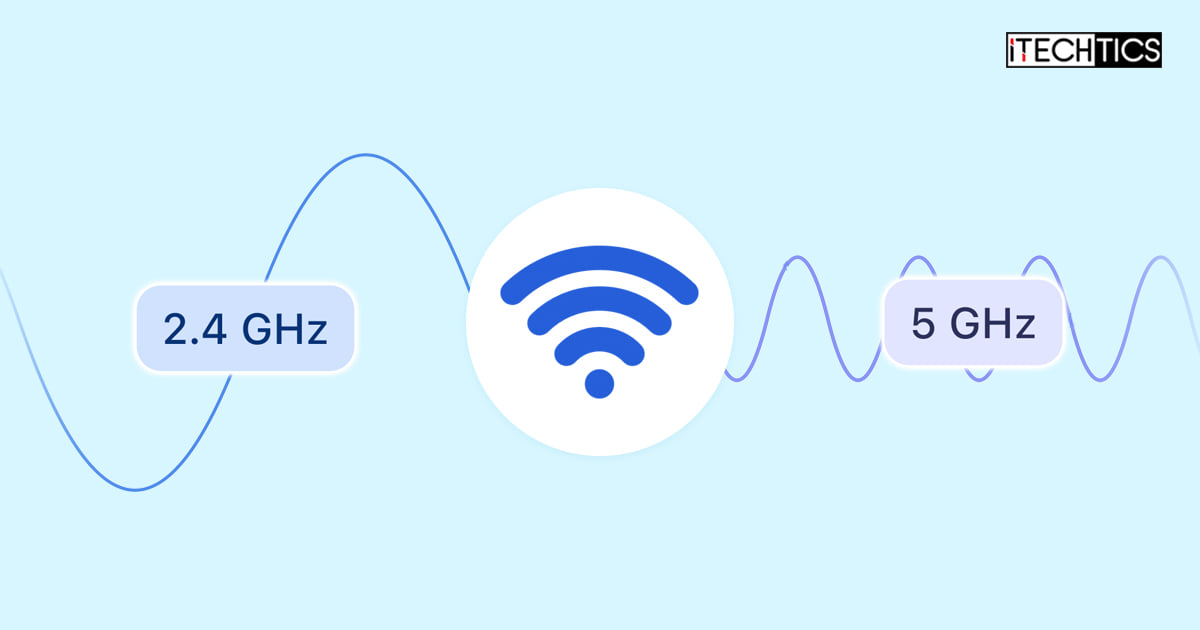 Networking & Remote Access · Updated 12 Feb 2024How To Change Wi-Fi Frequency Bands Between 2.4 And 5 GHz
Popular this week
- 13 Ways to Access Network Path Using Command Line in Windows 108 views this week
- 2How To Fix Missing Preferred Band Option From Windows Wi-Fi Properties7 views this week
- 3How To Create A Public VPN Server On Windows 116 views this week
- 4Check If Something Is Downloading In Background In Windows 11, 106 views this week
- 5How To Open RDP Port To Allow Remote Desktop Access To Your System6 views this week
- 6How To Fix PuTTY Fatal Error “Network Error: Connection Timed Out” In Windows5 views this week
Recently updated
- 11 Nov 2026How to Change Network Priority in Windows (Ethernet + Wifi Networks)
- 11 Nov 2026How To Set Up A VPN Connection In Windows 11
- 11 Nov 2026How To Fix PuTTY Fatal Error “Network Error: Connection Timed Out” In Windows
- 11 Nov 2026Track IP Addresses with Ease: 5 Best IP Address Tracker Software And Services (Free + Paid)
- 11 Nov 2026How to Enable Remote Desktop on Windows 11 Home – Step by Step Guide
All 52 Networking & Remote Access guides
Newest first- How To View, Create, Delete Network Shares Using Windows Command PromptManage your network shares with single commands for convenient creation, deletion, and permissions management.Networking & Remote Access · Updated 11 Nov 2026
- How To Ping Multiple Hosts Or IP Addresses At OnceCheck access to multiple devices at once with these commands and tools that allow you to ping them together.Networking & Remote Access · Updated 20 Feb 2024
- How To Change Wi-Fi Frequency Bands Between 2.4 And 5 GHzNot getting the right internet speed, or not getting the right signal coverage? Try changing the preferred frequency band for your wireless…Networking & Remote Access · Updated 12 Feb 2024
- How To Fix IPv6 No Network/Internet AccessIf you are unable to establish an IPv6 connection on your computer, then these are the solutions you should adopt.Networking & Remote Access · Updated 20 May 2024
- 5 Ways To Disable, Enable, Or Restart Network Adapter In Windows 11 (Ethernet And Wi-Fi)Encountering issues with your network connection? Restart the ethernet or Wi-Fi network adapter with these easy steps.Networking & Remote Access · Updated 11 Nov 2026
- Check For Listening (Open) Ports With NetStat And PowerShellListening ports can be used by hackers to infiltrate your system without authorized access. When not in use, close the open ports.…Networking & Remote Access · Updated 21 May 2024
- How To Fix Missing Preferred Band Option From Windows Wi-Fi PropertiesThe "Preferred Band" option lets you choose between the 2.4GHz and the 5Ghz bandwidth for wireless communication. If the option is missing,…Networking & Remote Access · Updated 11 Nov 2026
- What Are IP Grabbers: Our Top 5 SelectionPrevent yourself from online scams! Use IP grabbers to distinguish real offers from the fake ones by find their geographic locations and…Networking & Remote Access · Updated 22 May 2023
- Wi-Fi Standards – A Detailed GuideWi-Fi standards define how reliable and fast your internet communication will be. Find which standards are available, which is the best one,…Networking & Remote Access · Updated 11 Nov 2026
- Track IP Addresses with Ease: 5 Best IP Address Tracker Software And Services (Free + Paid)Discover the best IP address tracker tools for 2023! Track IP addresses across your network with ease and efficiency. Best free and…Networking & Remote Access · Updated 11 Nov 2026
- How To Add, Manage VPN Connection In Windows Using PowerShellGet more control over your VPN settings. Here are the methods to set up, configure, and connect to a VPN connection using…Networking & Remote Access · Updated 16 May 2023
- How To Track IP Addresses Using GrabifyFind out your target's IP address and other information such as ISP, user agent, and browser details.Networking & Remote Access · Updated 10 May 2023
- How To Fix Orange Light On Router, ModemYour internet probably won't work while the orange light is present on your router. Make it go away using these techniques.Networking & Remote Access · Updated 27 Apr 2023
- How To Set Up A VPN Connection In Windows 11The Windows OS comes with a built-in VPN client, so you do not have to use a third-party VPN client. Learn how…Networking & Remote Access · Updated 11 Nov 2026
- How To Create A Public VPN Server On Windows 11Setting up your Windows PC as a VPN server allows for a secure, remote connection over the internet. Now access a remote…Networking & Remote Access · Updated 11 Nov 2026
- How To Turn Windows 11 Computer Into DLNA Media Streaming ServerNow stream your videos and movies directly to your Xbox, TV, or any other DLNA-certified device by setting up your PC as…Networking & Remote Access · Updated 11 Nov 2026
- Check If Something Is Downloading In Background In Windows 11, 10Background downloads can stall your online experience. Find out which apps and processes are performing a download in the background and terminate…Networking & Remote Access · Updated 11 Nov 2026
- How To Use Microsoft Quick Assist In Windows 10/11 For Remote Desktop ConnectionQuick Assist is a Microsoft application used to establish remote desktop connections over the internet and can be considered as an alternative…Networking & Remote Access · Updated 11 Nov 2026
- How To Use Wi-Fi And Ethernet At The Same Time On WindowsTo use Wi-Fi and ethernet internet connections at the same time, you must disable the Windows metric priority for the adapters. To…Networking & Remote Access · Updated 11 Nov 2026
- What Is Telnet And How To Enable It In Windows 11, 10You can enable telnet through the Optional Features applet, or by running this command in Command Prompt: pkgmgr /iu:"TelnetClient"Networking & Remote Access · Updated 24 May 2023
- How To Fix “Unidentified Network” Error On Windows 11/10Simply restarting the network adapter or the modem/access point often fixes the "Unidentified network" error message. However, if it is not fixed,…Networking & Remote Access · Updated 11 Nov 2026
- What Is Network Stack In UEFI/BIOSNetwork Stack allows you to boot from a PXE server over the network but can make your PC vulnerable to outside threats.…Networking & Remote Access · Updated 11 Nov 2026
- How To Determine The Wi-Fi Channels In Use Around YouThe Windows OS natively does not report which channels are being used in your environment by the wireless networks. However, you can…Networking & Remote Access · Updated 11 Nov 2026
- How To Check Supported Bluetooth Codecs In Windows 11Different Bluetooth codecs result in different qualities of data being transferred, affecting your music or data transfer rate. Which codec are you…Networking & Remote Access · Updated 11 Nov 2026
Newsletter
Stay in the loop
New and updated guides, and Microsoft support dates that are about to end.
No spam. Unsubscribe with one click.
Need this done for your business? I help small and mid-size companies with Microsoft 365, Windows devices and email →