
Topic
Windows Server
Windows Server versions, builds, ISOs, roles and support dates for sysadmins.
30 guidesLast updated 14 Nov 2026Written and tested by Usman Khurshid
Start here
The guides people read most Windows Server · Updated 14 Nov 2026Windows Server Versions: Full List, Builds and Support Dates
 Windows Server · Updated 11 Nov 2026Network Mapping Tools: The Best Free and Paid Solutions
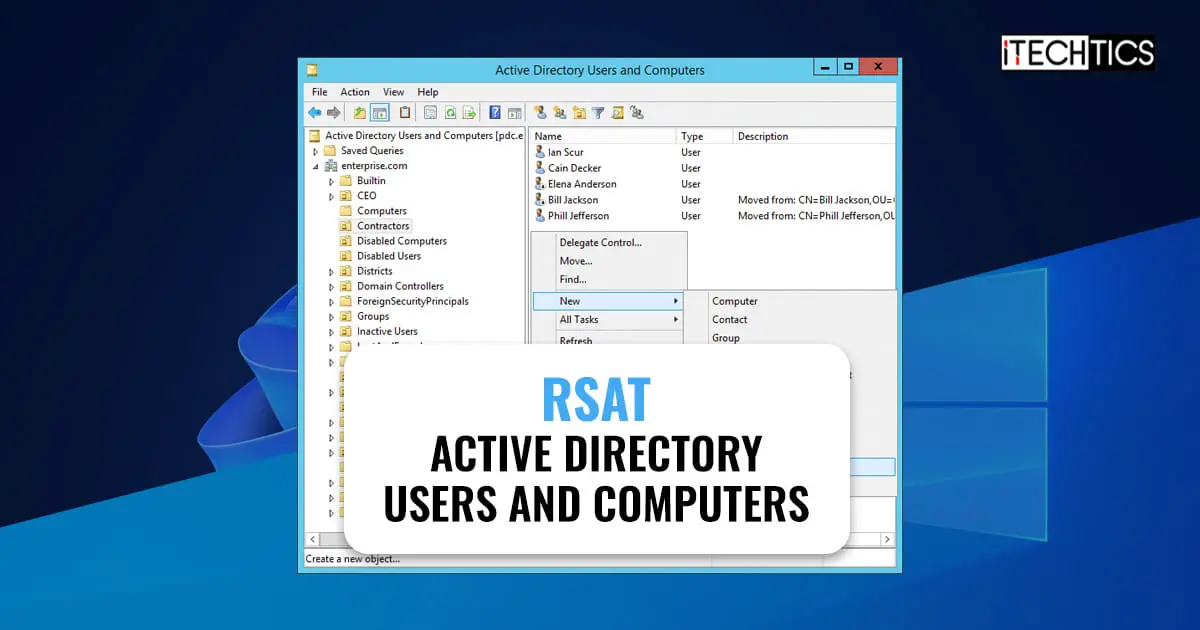 Windows Server · Updated 11 Nov 2026How To Install & Use Active Directory Users And Computers (DSA.msc) Snap-In On Windows 11/10
 Windows Server · Updated 12 Feb 2025Startup Folder in All Windows Versions – Location, Management, Customization and Security Considerations
 Windows Server · Updated 3 May 2024What Is Product ID And Product Key In Windows
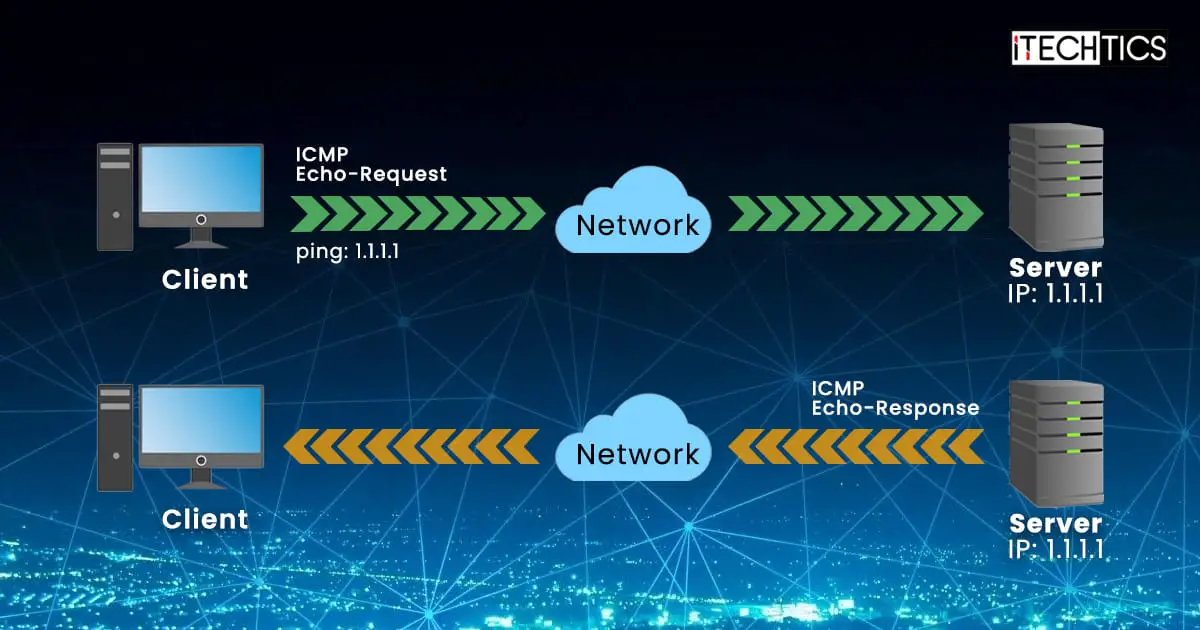 Windows Server · Updated 29 Aug 2022How to Allow Ping From Firewall in Windows Server (2022, 2019, 2016)
Popular this week
- 1Fix Hyper-V No Sound Issues On Windows With These Steps6 views this week
- 2How To Switch Domain Controller On Windows 11 [Temporary + Permanent]5 views this week
- 33 Ways to Restart Windows Explorer in Windows 105 views this week
- 4How To View Windows Crash And Error Logs3 views this week
- 5How To Fix GPUpdate /Force Not Implementing Policy3 views this week
- 6Difference Between Windows Server Editions (Web, Foundation, Essentials, Standard, Enterprise, Datacenter)3 views this week
Support dates
All EOL dates →When these versions stop getting security updates. Checked against the vendor every week.
All 30 Windows Server guides
Newest first- Startup Folder in All Windows Versions – Location, Management, Customization and Security ConsiderationsLearn how to open and manage the Windows Startup folder effectively, optimize boot performance, and explore alternatives like Task Scheduler and Group…Windows Server · Updated 12 Feb 2025
- How To View Windows Crash And Error LogsNow sure what's causing the system or app to crash, or something isn't working as its supposed to? Determine the cause by…Windows Server · Updated 4 Mar 2024
- Microsoft Is Deprecating WMIC On Windows – What Are The Alternatives?Worried what will happen when the WMIC cmdlet goes out of commission? Here is what you can use instead.Windows Server · Updated 11 Nov 2026
- Mainstream Support Ends For Windows Server 2019 – Should You Upgrade?You will no longer receive bug fixes and feature updates for Windows Server 2019, but continue to receive security updates as Server…Windows Server · Updated 11 Nov 2026
- How To List Files And Folders In Windows Using Command PromptLooking to manage all files across many directories? Here is how to list and sort them in Command Prompt.Windows Server · Updated 21 May 2024
- How To Start, Stop, Restart, And Manage Windows ServicesAlthough autonomous, Windows Services can encounter errors, and hence, need to be managed. Learn all the different methods to stop, restart, and…Windows Server · Updated 11 Nov 2026
- How To Generate Group Policy Object (GPO) Reports Using PowerShell – A Detailed GuideThere can be many GPOs applied to your domain by your administrators. Generate detailed reports and figure out which ones apply to…Windows Server · Updated 11 Nov 2026
- How To Enable, Disable Enhanced Session Mode In Hyper-VUsing Enhanced Session, you can access local host resources, such as storage, audio devices, USB, and printers, and move items. Here are…Windows Server · Updated 11 Nov 2026
- Fix Hyper-V No Sound Issues On Windows With These StepsIf your virtual machine is making no sounds using your host computer's speakers, you can fix it by enabling the Enhanced Session…Windows Server · Updated 7 Apr 2023
- How To Switch Domain Controller On Windows 11 [Temporary + Permanent]Changing your Domain Controller can be advantageous when the current DC is malfunctioning. Here are 2 ways to switch your Domain Controller.Windows Server · Updated 11 Nov 2026
- What Is Product ID And Product Key In WindowsA Windows product ID and a key may sound and seem similar, but are in fact two different things.Windows Server · Updated 3 May 2024
- How To Fix “The Sign-in Method You’re Trying To Use Isn’t Allowed” Error On Windows, ServerIf you see this error, you will probably need to make a few changes to the Group Policy. This issue can be…Windows Server · Updated 11 Nov 2026
- What Is NTLM Authentication And How To Monitor Or Block ItNTLM authentication protocol is an unsafe method for domain authentication, and should therefore be disabled. Find which apps are still using this…Windows Server · Updated 11 Nov 2026
- How To Use Microsoft Management Console (MMC) To Manage Computer RemotelyManage a computer's services, certificates, tasks, and other components remotely using the Microsoft Management Console for quick and convenient access.Windows Server · Updated 11 Nov 2026
- How To Find Active Directory User Information With PowerShell (Get-ADUser)You can get all the information about a user account on the domain using the "get-ADUser" cmdlet in PowerShell. This requires the…Windows Server · Updated 11 Nov 2026
- How To Install & Use Active Directory Users And Computers (DSA.msc) Snap-In On Windows 11/10The Active Directory Users and Computers RSAT tool lets you manage OUs, users and groups, and computers connected to your domain, directly…Windows Server · Updated 11 Nov 2026
- How To Fix GPUpdate /Force Not Implementing PolicyIf the "gpupdate /force" cmdlet is throwing an error or not enforcing the policy settings, here are a few ways to address…Windows Server · Updated 8 Feb 2023
- How To Enable HTTP/3 For IIS On Windows Server 2022The HTTP/3 protocol is faster and more secure than its predecessors. It can be enabled on Windows Server 2022 by making some…Windows Server · Updated 11 Nov 2026
- How To Fix Copy Paste Not Working In Remote Desktop ConnectionThe rdpclip.exe process can malfunction, or the Clipboard sharing may be disabled, which results in users being unable to copy-paste content between…Windows Server · Updated 11 Nov 2026
- Windows Server Versions: Full List, Builds and Support DatesMicrosoft has shipped a server operating system since Windows NT 3.1 in 1993. That’s more than 30 years of releases, two discontinued…Windows Server · Updated 14 Nov 2026
- Difference Between Windows Server Editions (Web, Foundation, Essentials, Standard, Enterprise, Datacenter)Similar to the client Windows editions, Windows Server is also offered in various editions. Windows Server is an operating system designed to…Windows Server · Updated 11 Nov 2026
- How to Allow Ping From Firewall in Windows Server (2022, 2019, 2016)ICMP or Ping is disabled by default on Windows Server and Windows 11 / Windows 10. Keeping Ping disabled makes the system…Windows Server · Updated 29 Aug 2022
- 3 Ways to Restart Windows Explorer in Windows 10There are times when Windows Explorer gets stuck or even the Start Menu or the task bar is not responding. The best…Windows Server · Updated 31 Aug 2022
- 5 Of The Best Tools To Monitor Folder For Changes In Real-timeThere are multiple programs running in the background that are performing various operations in your computer and may be making some changes…Windows Server · Updated 31 Aug 2022
Newsletter
Stay in the loop
New and updated guides, and Microsoft support dates that are about to end.
No spam. Unsubscribe with one click.
Need this done for your business? I help small and mid-size companies with Microsoft 365, Windows devices and email →